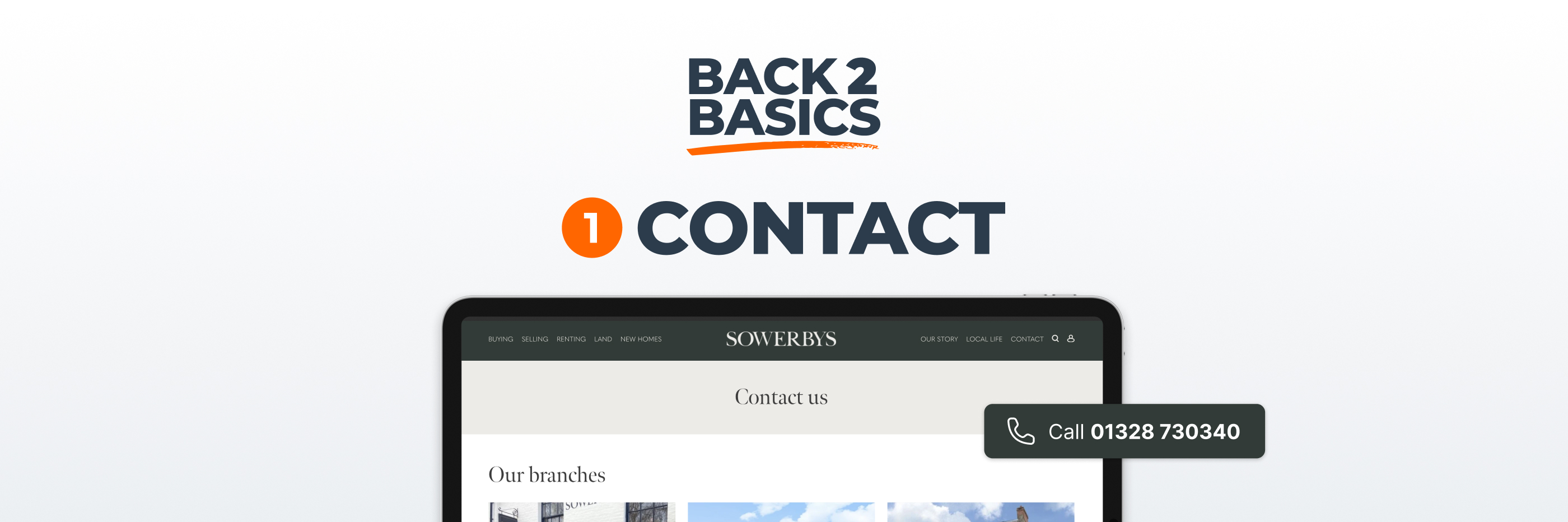
This is the first in our Back to basics series, where we step away from the current obsession with new tools and return to the fundamentals that still underpin a high performing estate agency website.
There is a great deal of discussion at the moment about artificial intelligence, automation and increasingly sophisticated digital journeys. Much of that attention is justified, and in many respects exciting, because the technology now available to estate agents is both powerful and improving rapidly. However, in the rush to embrace what is new, it is remarkably easy to overlook what has always mattered.
When someone lands on your website, they are rarely thinking about your technology. They are thinking about something far simpler. They want to know whether you are credible, whether you have local expertise and, above all, whether they can reach you quickly if they decide to make contact.
Before refining your valuation funnel, optimising search visibility or experimenting with the latest innovation, it is worth asking a basic question. Is it completely obvious how to get in touch with you?
If the answer is anything less than yes, the rest of your digital strategy is working harder than it needs to.
On a desktop screen, most users instinctively look to the top right hand corner for contact information. It is a long established convention and one that continues to shape behaviour. For a single branch agency, the most straightforward solution is usually the best one. Display the phone number clearly and prominently, without requiring the visitor to click or search.
Multi branch firms face a slightly different challenge, but the principle remains the same. The route to the correct office must be immediately apparent, whether that is through a clear branch selector or a plainly labelled contact link. What matters is that no one has to think about where to click. The moment someone hesitates, even briefly, you have introduced friction into the experience, and friction quietly erodes enquiry volumes.
On mobile devices the expectations are even higher. A tap on your phone number should initiate a call instantly. Anything else feels clumsy and dated. It is also important to consider how quickly that number appears on a small screen. If a visitor must scroll excessively before finding it, the design is prioritising aesthetics over usability.
In a business where timing and responsiveness are critical, that is an unnecessary compromise.
Many visitors scroll directly to the bottom of a website as part of their initial assessment. They are not browsing for inspiration at that stage. They are looking for confirmation that the business is real, established and easy to contact.
Your footer should reinforce what appears at the top of the page. That means clear phone numbers, cleanly presented branch details and consistent information throughout. For multi branch agencies, each office should be listed in a way that removes ambiguity. For single branch firms, the same number and address should appear again so that nothing feels hidden or inconsistent.
When details align across the site, confidence grows almost subconsciously. When they differ, even slightly, doubt creeps in.
Estate agency may be increasingly digital, but it remains rooted in geography. People still care deeply about whether you are genuinely part of the community in which they are buying or selling.
Your address should not be confined to an obscure contact page that only determined visitors discover. Instead, there should be a clear reference to your location within the natural flow of the homepage. This does not require bold design or oversized typography. It requires visibility and confidence.
If you operate from a prominent high street office, reference it. If you have served the same town for decades, say so clearly. If you cover several nearby areas, explain how that works in practical terms. These signals help anchor your brand in the real world, which is particularly important when you are asking someone to trust you with the sale of their home.
It is easy to concentrate on the homepage when thinking about contact visibility, yet some of your most valuable traffic lands elsewhere.
Property detail pages and branch pages attract visitors who are often further along in their decision making. Someone viewing a specific property may decide, in that moment, that they want to speak to you. If the phone number is not immediately accessible, the opportunity can cool surprisingly quickly.
On desktop, contact details should be visible without significant scrolling. On mobile, they should appear within the first natural movement down the screen. Do not assume that users will navigate back to a separate contact page. Interest has a short half life online, and ease of access plays a meaningful role in whether that interest converts into action.
Displaying a direct email address may appear transparent, but in practice it creates a fragmented experience. When a visitor clicks a mail link, they leave your website environment altogether, and their enquiry arrives in an unstructured format that is difficult to track or attribute accurately.
You lose insight into where they came from, which pages they viewed and how they discovered you in the first place. More importantly, you remove them from your website at the precise moment they have engaged with you.
A well designed contact form creates a far more coherent journey. It allows you to gather structured information, route enquiries efficiently and connect them into your CRM so that follow up is consistent and measurable. It also keeps the visitor within your branded space, where they can continue exploring once their message has been sent.
Wherever your site offers the option to email, it should lead to a straightforward form that feels human and considerate rather than intrusive. The objective is to reduce friction while maintaining structure.
Practical details still matter more than many people assume. Visitors often check opening hours before calling, particularly at weekends, and they frequently look for confirmation that your office exists where you say it does.
An embedded map with clear directions is a small addition that carries disproportionate weight. Visible opening hours remove uncertainty and reduce unnecessary phone calls. Neither of these elements is glamorous, but both contribute to a sense of stability and professionalism that is difficult to replicate through marketing language alone.
The way you label contact routes influences how approachable your business appears. A generic button labelled “Submit” feels technical and detached. A button that says “Request a call back” or “Book a valuation” feels purposeful and aligned with the user’s intention.
Similarly, navigation labels should be explicit rather than vague. If a page exists to help people contact you, say so directly. Clear language reduces hesitation and reassures visitors that they are in the right place.
Small choices in wording can subtly influence whether someone feels comfortable taking the next step.
If you would like to test your own site objectively, ask someone outside your organisation to spend five minutes on it and answer three questions. How do I call this agency. Where are they based. How do I send them an enquiry.
Observe how they move through the site rather than guiding them. Any pause, backtracking or visible uncertainty highlights an area where clarity could be improved.
None of this is advanced optimisation. It is simply about respecting the fact that trust is built through clarity, consistency and ease of contact. When those basics are secure, the more sophisticated elements of your website can perform as they should.
Before you refine your strategy for the future, make sure the fundamentals are solid. A website that makes contact effortless signals confidence. That confidence is often the difference between interest and instruction.